Trade Experts
Explain what customers send. Earn XP.

Homeowners send photos through a link, no app needed. You and your trade experts explain them, and earn XP for it.
Meet Dawn
Dawn is the app your crew checks in on, the ledger their pay comes out of, and the page a homeowner finds you on. One record, written as the job happens — not typed up afterward.
Invite only until January 2027. On iPhone and iPad, and in your browser.

[ Meet Dawn ]
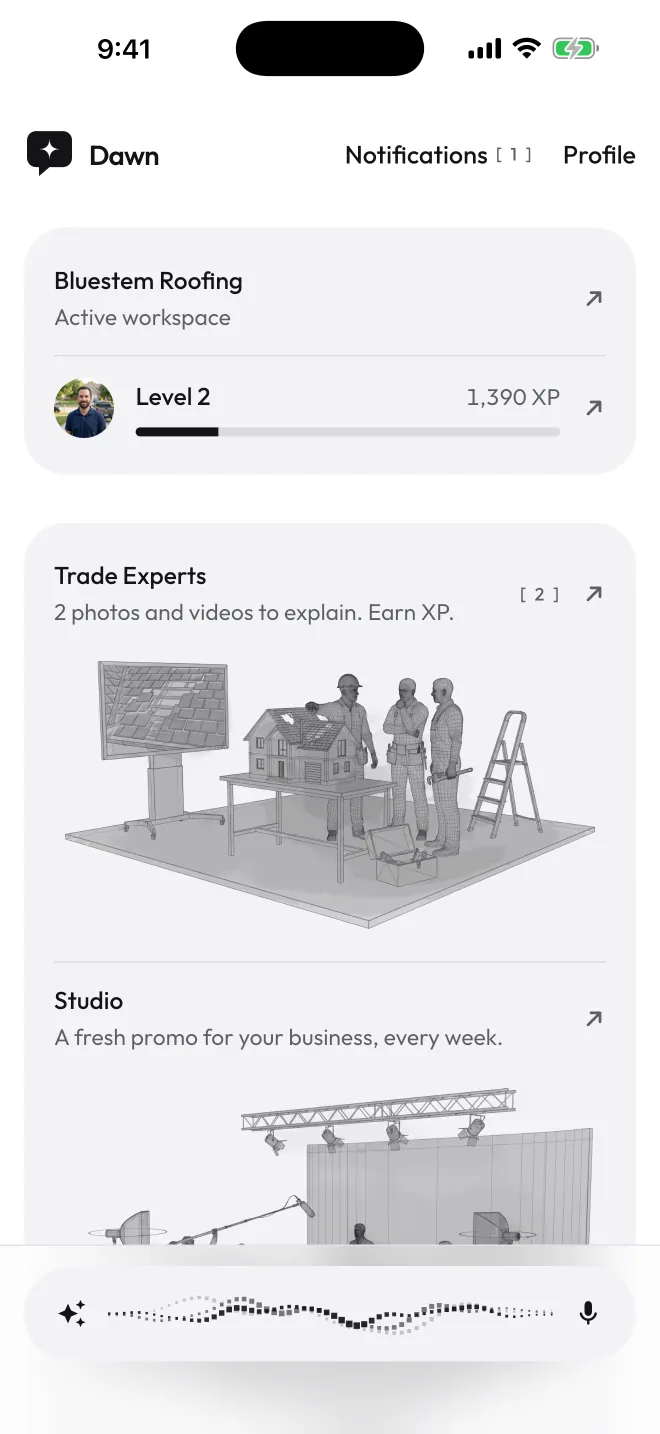
Dawn is the app, and she is also who you talk to. Ask what’s on today, who still owes photos or what to do first, and she answers from your own workspace.
Ask, don’t dig.
Type, or hold the mic and say it: “what’s on today”, “who still owes photos”.
One question at a time.
Her answers are a button and a “Not now”, not a form.
Nothing runs by itself.
Opening the app sends nothing to an AI model. She reads your day when you ask.
Numbers from your record.
Every figure she says is counted from your workspace. The AI only phrases it.

The app
The same record on iPhone, iPad and in the browser. What the office sees is what the crew wrote, as they wrote it.
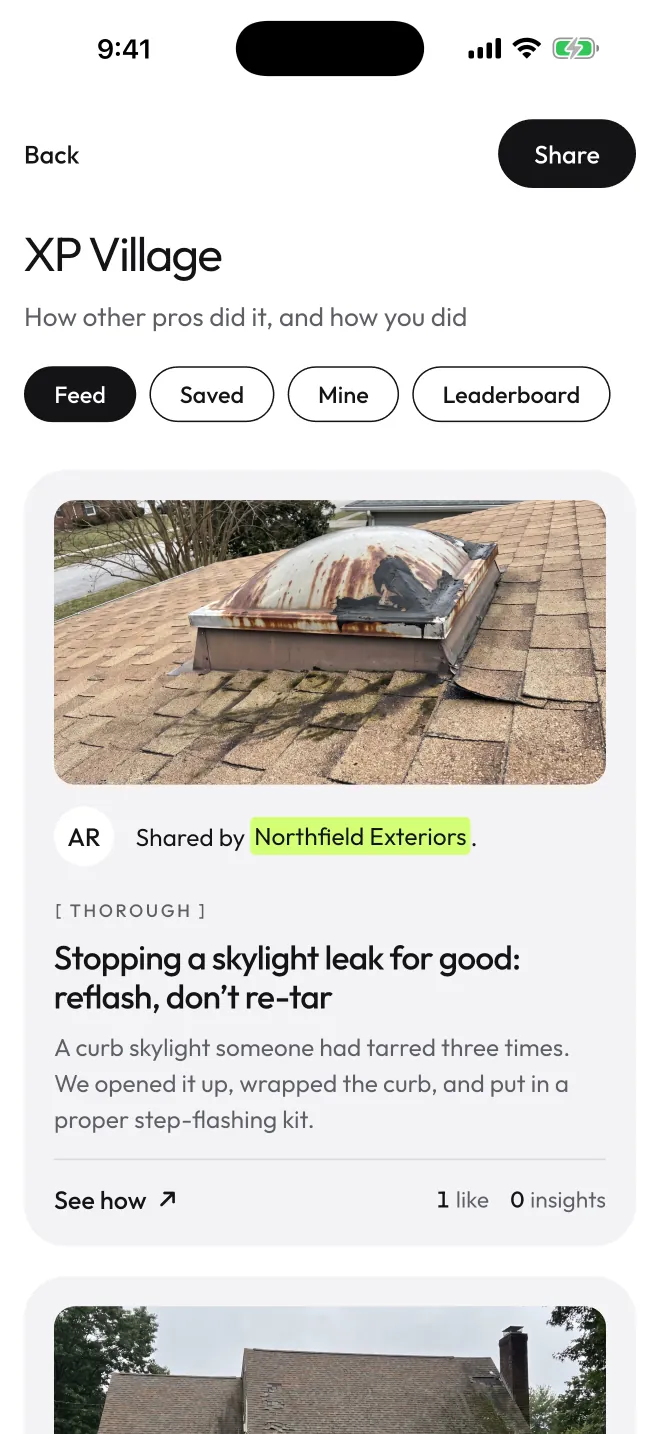
Five doors
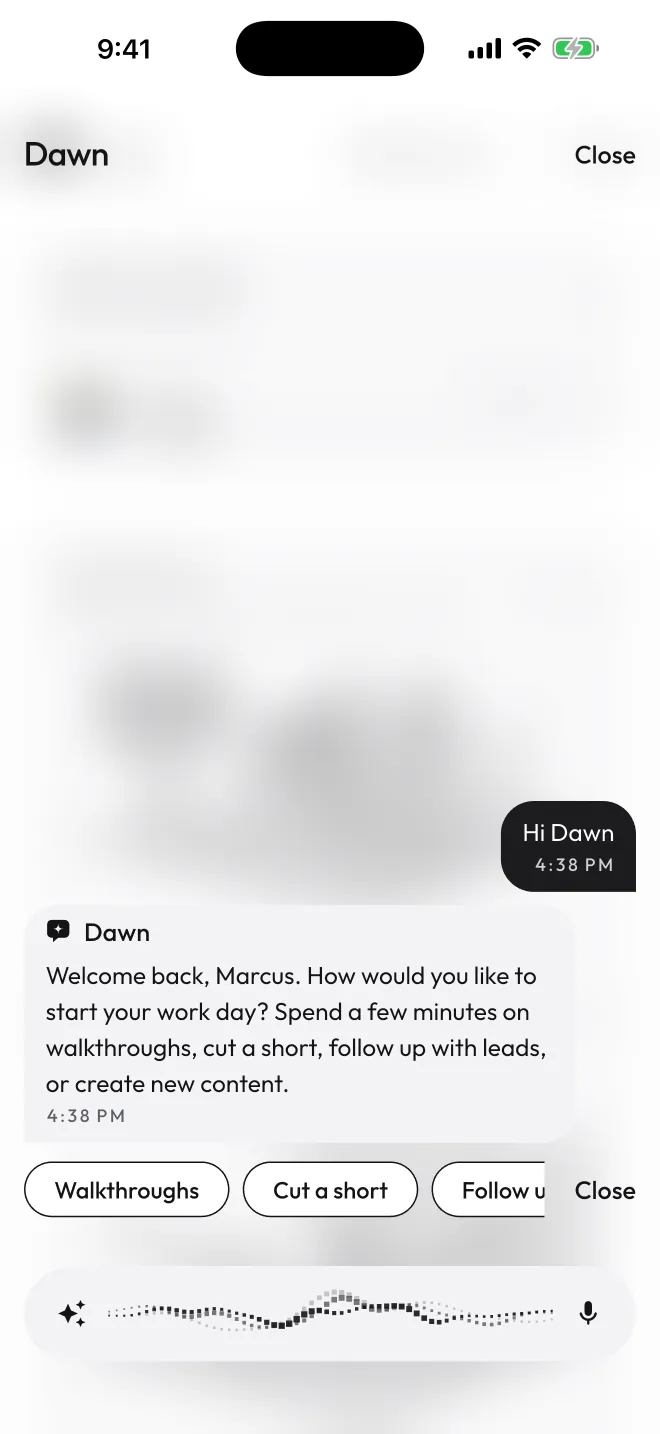
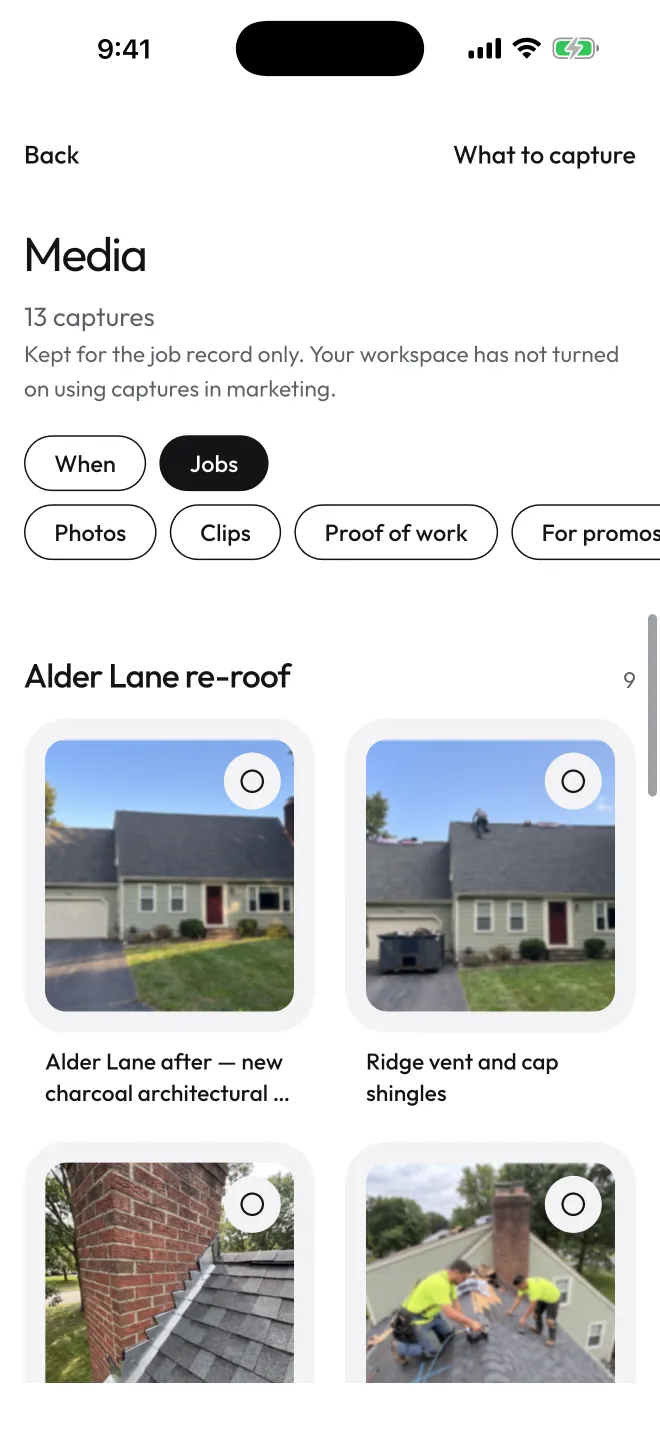
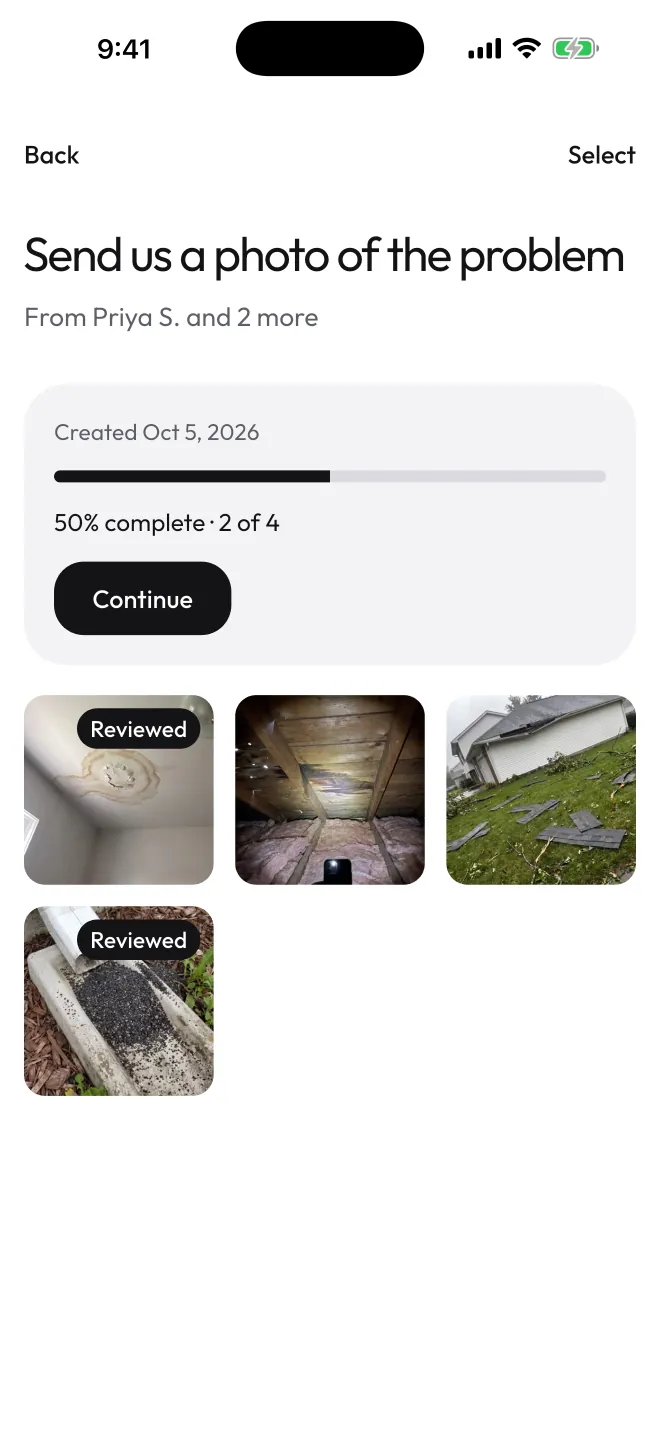
Home opens five doors, and every door writes to the same record.
Explain what customers send. Earn XP.
Homeowners send photos through a link, no app needed. You and your trade experts explain them, and earn XP for it.
A fresh promo for your business, every week.

Tap the shots in the order they should play, or let Dawn draft the short, a line on each in the crew’s own words.
Share how you did it. Earn XP.

See how other companies did theirs. Report or block anything that isn’t right.
Your CRM — contacts, pipeline and stages.

Every inquiry with its source attached, from your page or anywhere else.
Your public page — what homeowners find.

Built from your own record, and off until you publish it.
Four things, in one place
Each one is a mechanism, not a promise. The examples are drawn, not screenshotted, so they can show exactly what each one does.
Pay is set on the ticket, not the job: hourly, piece rate, day rate or a sub-PO can sit side by side on one roof. What a worker is owed is minted by the server from their check-ins, and paid out on Stripe Connect. Every worker sees their own earnings, across every company they work for.
Check-in and check-out carry position, accuracy, a photo and a note. Once written, an event cannot be changed or deleted — not by the worker, not by the office, not by us. That is what makes the numbers on your public page worth something.
A worker’s licence and insurance live with the worker, not with the company. An expired credential blocks assignment instead of warning about it.
A worker who takes tickets from three contractors sees them in one list. A contractor who shares a crew with the roofer down the road shares the record, not the risk.
Your page
Every contractor gets a page at dawnda.sh/your-company. Jobs completed, median first response, unexpired credentials, payments released — computed from your record. You can’t edit them, and neither can anyone else. Publishing is your choice and off until you say so. Inquiries from the page land in your lead list with the source attached.
Nobody pays to be listed above you. The ordering has no input money can reach.
See who is listed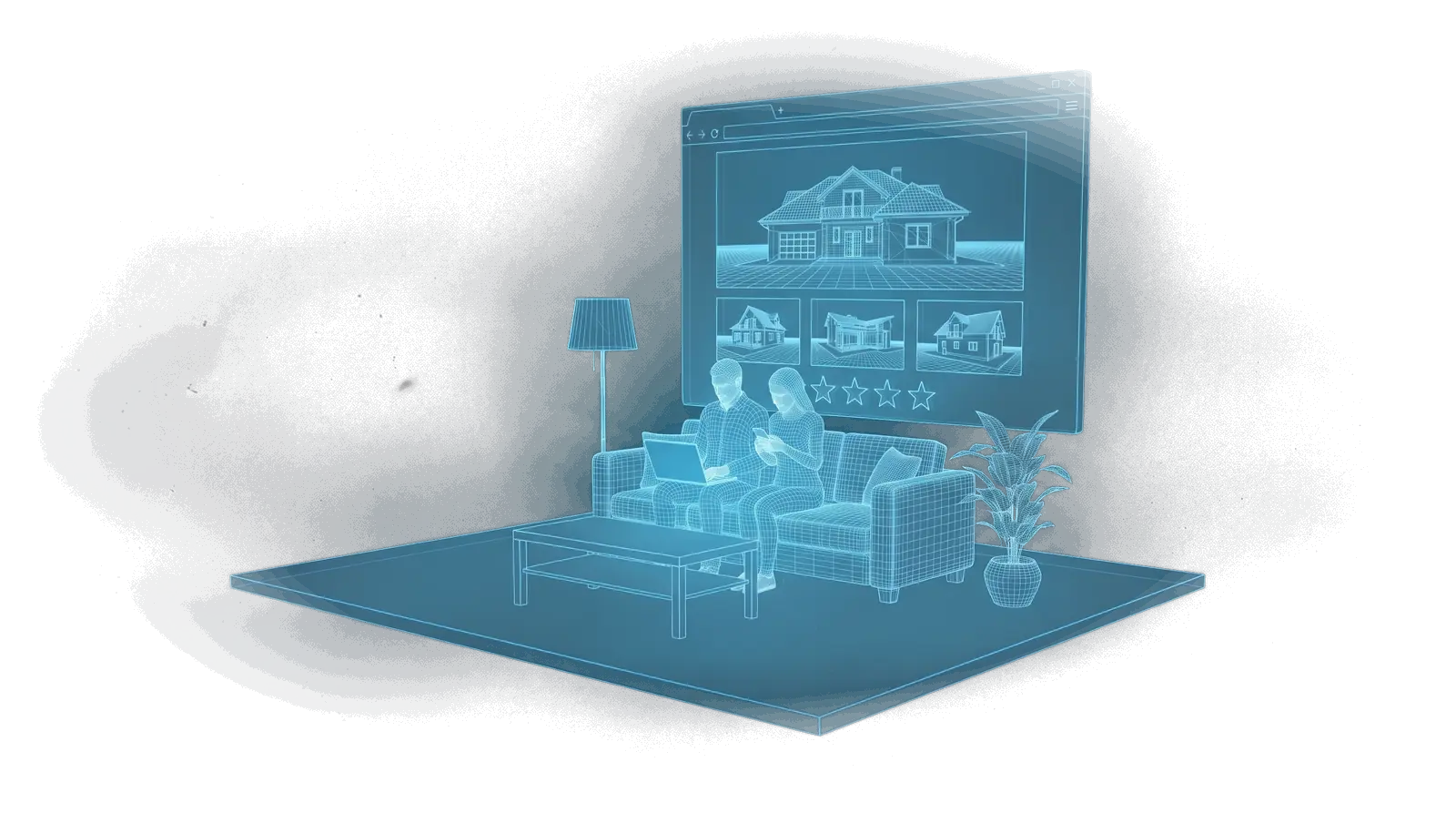
What it costs
1–5 crew
Founding
$500/month
List $667/month
6–20 crew
Founding
$1,200/month
List $1,600/month
21+ crew
Founding
$2,500/month
List $3,333/month
Sign up before the list price goes live and pay 25% less — the founding price, held for as long as you stay subscribed. It never ends on a date; it ends only if you leave.
A late payment switches nothing off. A cancellation ends on a date you can see.
Plain answers
Invite only
We’re letting contractors in a few at a time. Join the waiting list and we’ll email you an invitation when there’s room for you.
Invited already? Open the link in your invitation. Already a member? Log in.